


The right device
for every room.
Mini PCs, all-in-ones, laptops and monitors, picked for the room they sit in.
Each one arrives imaged, protected and backed up.

Every room, from the front desk to the ICT suite.
Five kinds of MSI kit cover most rooms.
We stock the MSI lines that suit schools and leave out the gaming catalogue unless you run a club.
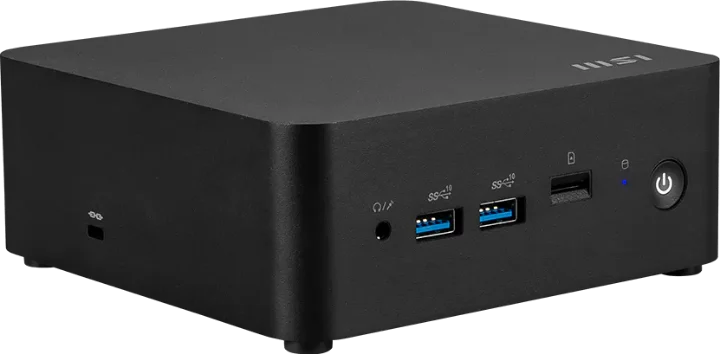
Cubi NUC mini PC
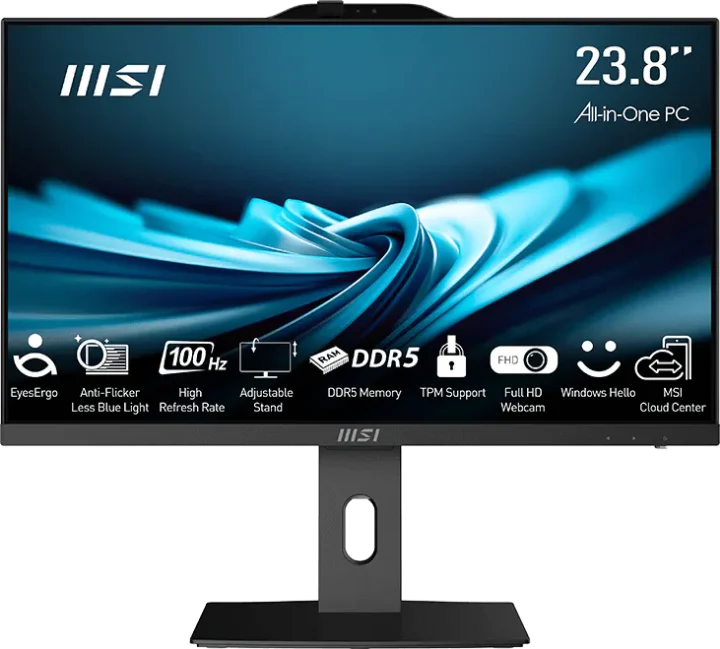
0.826 litres. Mounts behind the monitor.PRO all-in-one
24" and 27". One unit, one cable.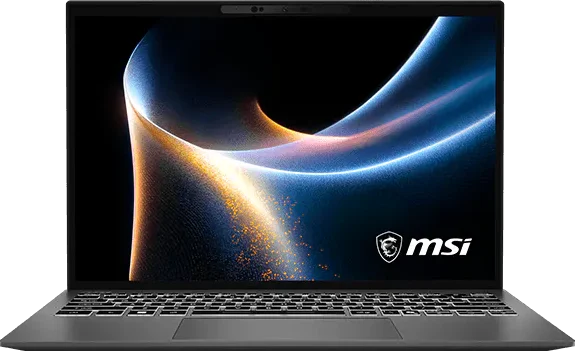
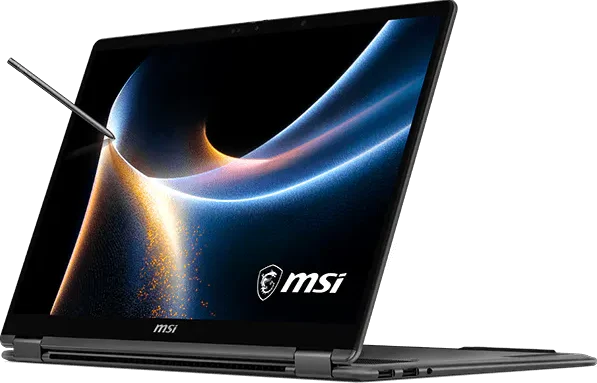
Prestige laptop
From 1.37 kg, for staff on the move.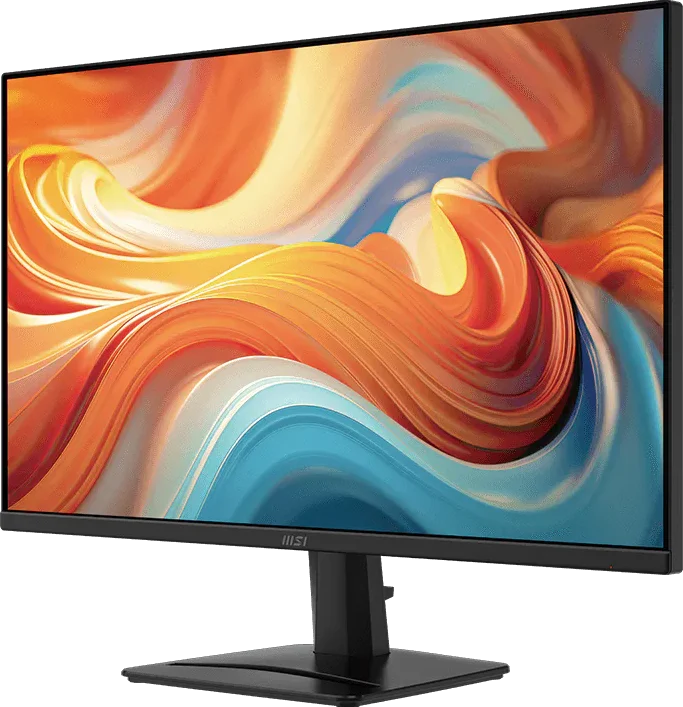
PRO monitors
22" to 34", flicker-free EyesErgo panels.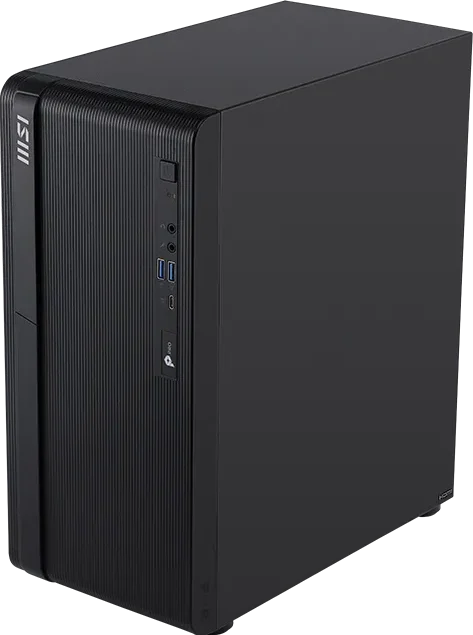
PRO desktop
Small and tower cases you can open and upgrade.
Pick a room.
See the MSI kit we would put there, set how many, and send us the list.
Classroom
One machine driving the board and the teacher's screen, every lesson.
- MSI Cubi NUCMini PC with Windows 11 Pro. Mounts behind the monitor.
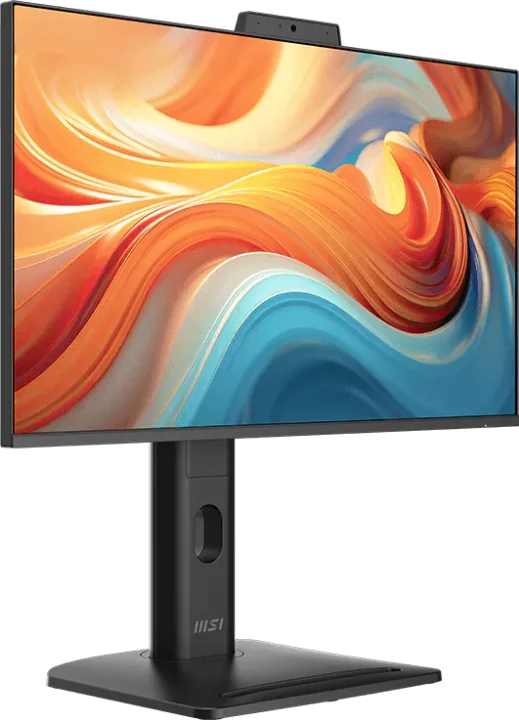
- MSI PRO 24" monitorFlicker-free, on a height-adjustable stand.
We'd skip Gaming desktops and big graphics cards. Put the difference into the network.
12 mini PCs and 12 monitors, each one imaged, protected and backed up by us.
We quote from this list. Final models depend on stock, your software and how you manage devices today.
Build a Cubi for the room.
Barebone Cubi kits come without memory, storage or Windows. You pick each part for the job, and we fit, image and test it before it reaches school.
MSI Cubi barebone
- 16GB memory
- 512GB SSD
- Windows 11 Pro
- Fitted, imaged and tested by us
Open it up in year four.
On MSI Cubi and PRO desktops you can add memory or a bigger SSD when a machine slows. You then replace the room in a budget year that suits you.
- Year 1DeployOne MSI image across the room
- Year 2RunPatch and monitor
- Year 3RunPatch and monitor
- Year 4UpgradeAdd memory or a bigger SSD and keep the unit
- Year 5+Your choiceReplace in a budget year that suits you
This shows the decisions, with no prices. Check the upgrade options for the exact model before you plan around them.
Read MSI's evidence for yourself.
The figures and films below come from MSI. Press play to watch here.
BCWCAT: one device standard across 19 schools
MSI reports that teachers saw tidier classrooms and better student focus.
Read it on uk.msi.com (opens in a new tab)MSI in colleges (opens in a new tab)
MSI and the MSI logo are trademarks of Micro-Star International. Product names, figures and claims come from uk.msi.com; Ceidwad has not independently tested them.
Questions schools ask us.
Do we need the most powerful model?
A primary classroom runs well on a Cubi mini PC. Graphics cards belong in media and design rooms. If a cheaper line does the job, we quote that.
Will they work with how we manage devices now?
MSI's education and business lines ship with Windows 11 Pro, which you need for Entra ID and Intune. Gaming lines ship with Windows 11 Home, so budget for a Pro upgrade if you need to manage and filter those PCs with the rest of your estate.
Are they built to survive a school?
MSI says its Cubi and PRO lines go through drop, vibration and shock testing and calls them military-grade tested. MSI does not quote a MIL-STD number on its education page, so we don't claim one.
What about energy use and sustainability?
MSI states its PRO desktops are EPEAT registered, use over 40% post-consumer recycled plastic and ship in recyclable FSC-certified packaging. Its Power Meter software reports and schedules power use across a fleet.
Can a single academy in a trust buy on its own?
Yes. We quote per school or per trust, on one invoice.
What is a barebone?
A Cubi without memory, storage or Windows. You choose the parts for the room, and we fit, image and test them before delivery.
Do you only sell MSI?
No. We chose five suppliers, one for each problem. If another device suits a room better, we will say so.

Send us a room to plan.
Tell us the space, the seat count and what you run today. We will send an MSI proposal sized to the room, with security, backup and asset tracking included, on one invoice.